 AI Mac Cleaner
Uninstall Figma Completely on a Mac: App, Cache and Font Helper
Figma's desktop app leaves its usual cache and preference files in ~/Library after a Trash-only removal — and if you installed its separate local-font helper, that's a second piece to check.
Figma's desktop app is a standard drag-to-Trash removal for the main app bundle, with the usual set of supporting files left behind in ~/Library afterward. The one extra wrinkle compared to most apps: if you ever installed Figma's optional helper for using local fonts in your designs, that's a second, separate piece of software with its own leftovers to consider.
Removing the app itself
- Quit Figma.
- Drag Figma from
/Applicationsto the Trash. - Empty the Trash.
Your actual design files aren't touched by any of this — Figma files live on Figma's own servers (or, for local-only files, wherever you explicitly exported them), not inside the desktop app's local data.
What's left in ~/Library
Figma's Mac app uses the bundle identifier com.figma.Desktop:
~/Library/Application Support/Figma— local app settings and cached data for faster loading between sessions.~/Library/Caches/com.figma.Desktop— temporary cache files; safe to remove any time.~/Library/Preferences/com.figma.Desktop.plist— your app-level preferences like window size and recently opened files.~/Library/Saved Application State/com.figma.Desktop.savedState— macOS's own window-restoration data.
The separate font helper
If you ever enabled local fonts in Figma, you likely installed a small separate helper app that runs in the background to make fonts installed on your Mac available inside your designs. This is a distinct piece of software from the main Figma app, installed and managed on its own — check your Applications folder and Login Items (System Settings → General → Login Items) for a Figma-related font helper running independently, and remove it as its own step if you no longer need local fonts in Figma. It isn't automatically removed by uninstalling the main Figma app, since the two are separate installs.
Checking Login Items before you uninstall
Beyond the font helper specifically, it's worth a general check of Login Items before removing any app that syncs or runs in the background — some apps add themselves to this list so they can launch automatically at startup, independent of whether the main app window is open. System Settings → General → Login Items shows everything set to launch this way; removing an entry there stops it from starting automatically, which is a useful step if a helper keeps relaunching after you thought you'd fully removed the related app.
Your account and plan aren't affected
Uninstalling the desktop app has no effect on your Figma account, team membership, or billing — those all live on Figma's servers and are managed through your browser or Figma's own account settings, completely separate from which Macs you've installed the desktop app on. You can reinstall later and sign back in without losing anything.
How AI Mac Cleaner helps
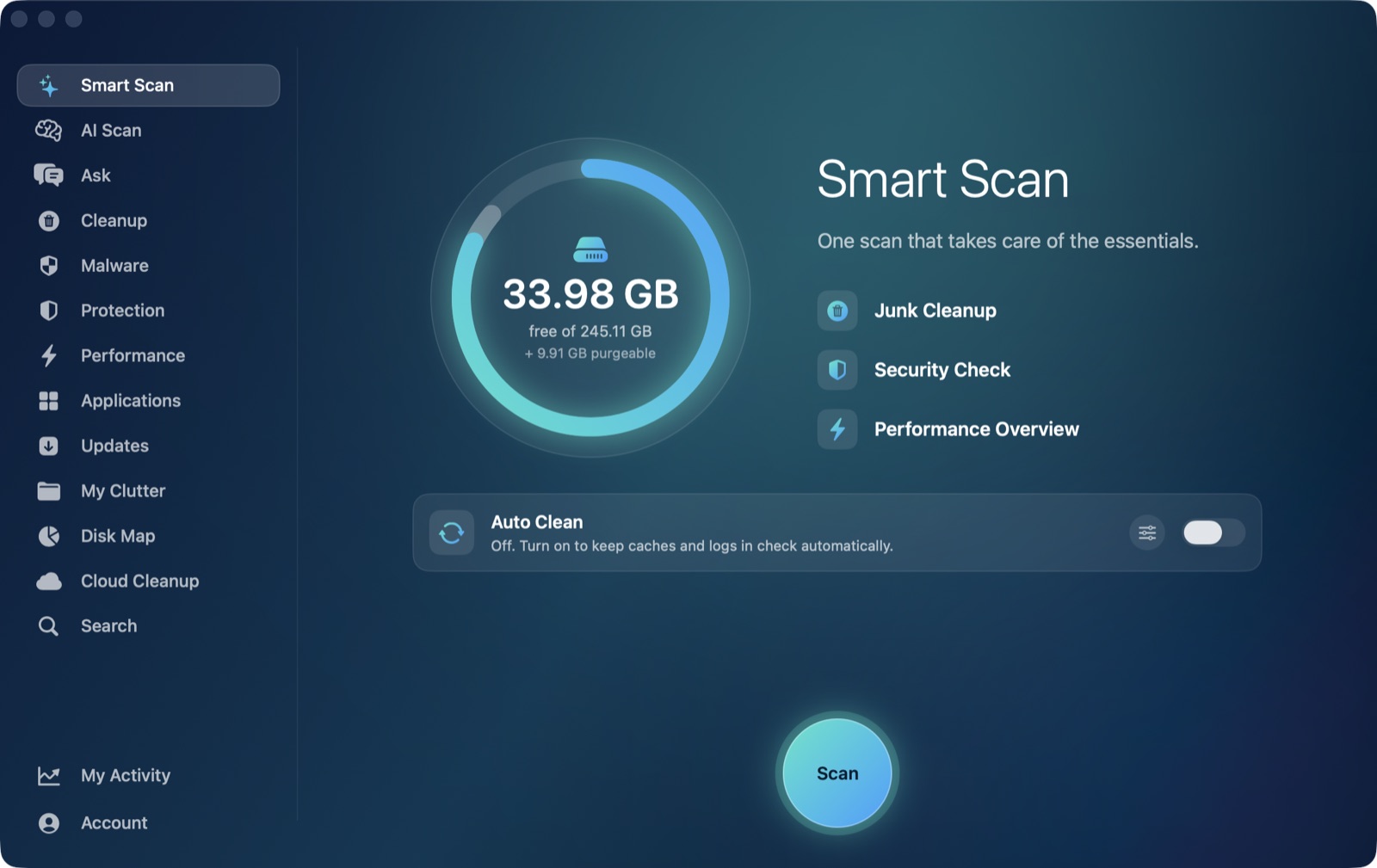
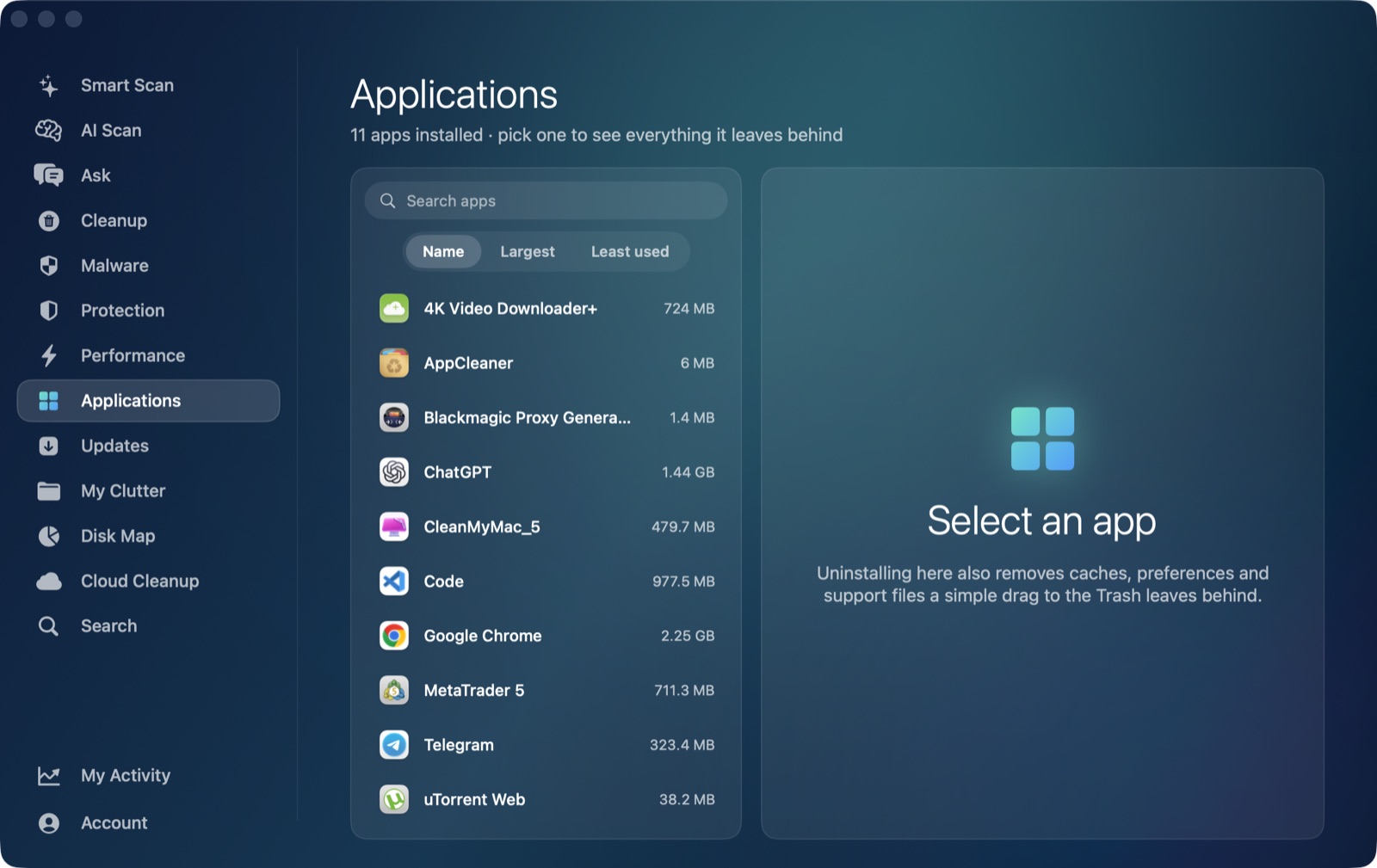
The Applications module works as an uninstaller that also finds an app's leftovers in ~/Library, matching by bundle identifier rather than display name — for Figma, that's com.figma.Desktop. Point it at Figma after dragging the app to the Trash, and it searches Application Support, Caches, Preferences and Saved Application State, shows you the total size, and clears it in one confirmed action. It treats the main Figma app and any separate font helper as the distinct installs they are, so check Applications for both if you installed the font helper at any point.
Everything removed goes through AI Mac Cleaner's Trash-only remover, so nothing is deleted outright — a file moved by mistake is recoverable until you empty the Trash yourself. If you're clearing out other creative or productivity tools at the same time, our VS Code cache guide covers a different kind of app-specific cache buildup worth checking, and our Notion removal guide walks through the same app-plus-helper pattern for a different productivity app. AI Mac Cleaner has a 7-day free trial with every feature unlocked and no card required, and plans start at $6.99/mo after that.
Frequently asked questions
Will uninstalling Figma delete my design files?
No. Figma files are stored on Figma's own servers (or wherever you've explicitly exported them), not inside the local desktop app. Uninstalling only removes the app itself and its local cache and preferences on this Mac.
Do I need to remove the font helper separately?
Yes, if you installed it. It's a separate background helper from the main Figma app, used only if you enabled local fonts in your designs, and isn't removed automatically when you uninstall Figma itself.
Where does Figma store its cache on a Mac?
Mainly ~/Library/Application Support/Figma and ~/Library/Caches/com.figma.Desktop, alongside a preferences file and a saved-state file, all identified by the bundle ID com.figma.Desktop.
Is it safe to delete Figma's cache without uninstalling the app?
Yes — clearing ~/Library/Caches/com.figma.Desktop on its own resets temporary data without touching your preferences or signed-in state, useful if the app is behaving oddly without a full reinstall.