 AI Mac Cleaner
Flutter Pub Cache Clear Mac Disk Space: What to Know
A flutter pub cache clear mac disk space command empties the one global package cache at ~/.pub-cache that grows across every project and never clears itself on its own.
A flutter pub cache clear mac disk space job is worth knowing about before you need it: if you build Flutter or Dart apps on a Mac, ~/.pub-cache has been growing since your first project — it's the one shared package cache every Flutter and Dart project on the machine draws from, and nothing clears it automatically. Developer guides commonly put a typical Flutter developer's Mac at 10–30GB or more across Flutter-related files once you add the SDK, build artifacts and simulator data, and the pub cache is one recurring piece of that total.
What's actually in ~/.pub-cache
By default, Dart's package manager (pub, which flutter pub wraps) downloads every dependency your projects use into one global location rather than a per-project folder. That's genuinely useful day to day: a package you depend on across five different Flutter apps only gets downloaded once, not five times, and every project's pub get can resolve instantly from the local copy instead of hitting the network. The cost is the same as any shared cache — it only grows, project by project, and nothing prompts you to clear out packages tied to apps you deleted months ago.
Clearing it the official way
Dart's own documentation describes pub cache clean as a built-in subcommand: it empties the entire cache, which is useful for reclaiming disk space or for getting rid of a package that's become corrupted or otherwise problematic. Since flutter pub is a thin wrapper around Dart's pub tool, the same command works through either:
flutter pub cache clean
dart pub cache clean
Without a -f (--force) flag, it asks for confirmation first, since the operation removes everything in the cache — every project will need to run pub get again afterward to re-resolve its dependencies. This subcommand needs Dart 2.14 or newer; on an older SDK, the fallback is deleting the ~/.pub-cache folder directly, which has the same effect.
Don't confuse this with pub cache repair
pub cache repair is a different command with a different job: it re-downloads and reinstalls every package currently in the cache, which is useful when a cached package has been accidentally edited or otherwise corrupted and is now causing build errors. It doesn't meaningfully reduce disk usage the way clean does — you're trading a fresh copy of the same packages, not getting rid of unused ones. If your goal is freeing space rather than fixing a broken dependency, clean is the one that actually helps.
Is it safe?
Yes. Everything in the pub cache is re-downloadable — it's a cache of published package versions, not anything unique to your own code. The only real cost is time: the next pub get or flutter pub get on every active project has to re-fetch whatever it needs instead of reading a local copy, so expect your next build across each project you're still working on to take noticeably longer while the cache refills.
How AI Mac Cleaner handles it
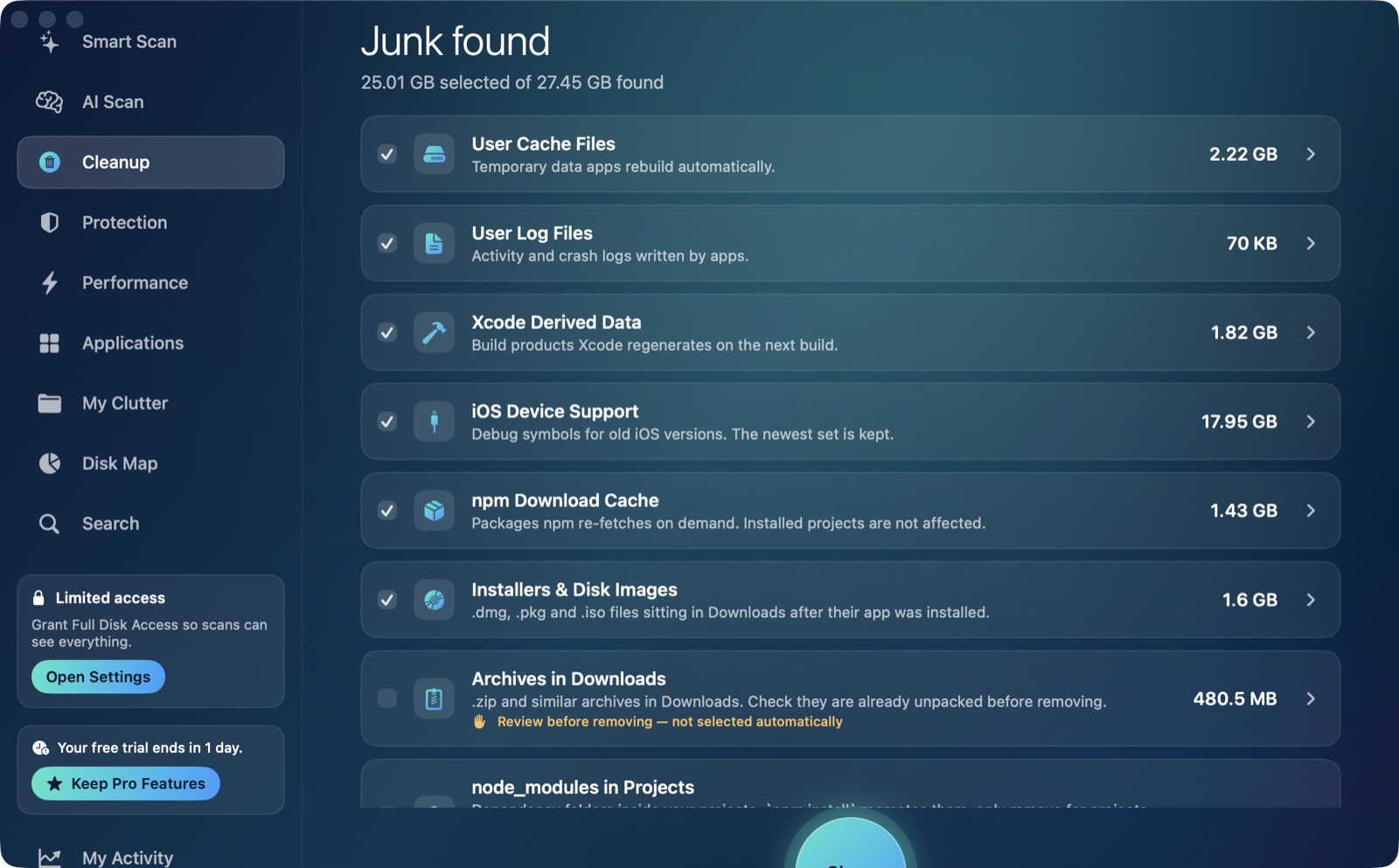
~/.pub-cache sits directly under your home folder as a hidden-prefixed directory — it won't show in a normal Finder window without revealing hidden files first (Cmd+Shift+.) — the same shape as Cargo's ~/.cargo and npm's _cacache. AI Mac Cleaner's Cleanup module's User Cache Files category only scans direct children of ~/Library/Caches, the standard location most GUI apps use, so it never sees ~/.pub-cache at all — the same blind spot any cleaner scoped to the standard caches folder runs into for this entire family of developer tools.
What the app can help with directly: point Disk Map's treemap at your home folder, or straight at ~/.pub-cache, to see exactly how large it's grown relative to everything else on disk, or use Search to find .pub-cache by name if you're not sure it's there. Either way, removal still goes through the same Trash-only remover as every other category in the app — recoverable until you empty the Trash yourself, a small safety margin over running rm -rf straight from Terminal if you'd rather not use Dart's own command.
For the same developer-cache pattern in other ecosystems, see clearing npm's cache and Cargo's registry cache — one global, shared store sitting outside the standard caches folder, different language each time. AI Mac Cleaner has a 7-day free trial with every feature unlocked, no card required, and plans from $6.99/mo after.
Frequently asked questions
Where is the Flutter/Dart pub cache on a Mac?
~/.pub-cache by default — a hidden folder directly under your home directory, shared across every Flutter and Dart project on the machine rather than scoped to any one of them.
Does clearing the pub cache break my Flutter projects?
No — every package in it is re-downloadable from pub.dev. The only cost is time: the next pub get or flutter pub get on each project re-fetches what it needs instead of reusing a local copy.
What's the difference between pub cache clean and pub cache repair?
clean empties the whole cache to reclaim disk space. repair re-downloads and reinstalls everything currently cached to fix a corrupted package, but doesn't free meaningfully more space since it keeps the same packages, just fresh copies.
Can AI Mac Cleaner clear the pub cache automatically?
Not as a dedicated category — its User Cache Files category only scans ~/Library/Caches, and ~/.pub-cache sits outside that folder entirely, directly under your home directory. Disk Map and Search can locate and Trash the folder like any other folder on disk.
What Dart SDK version do I need for pub cache clean?
Dart 2.14 or newer. On an older SDK, deleting the ~/.pub-cache folder directly from Terminal or Finder has the same effect.